HomeStore
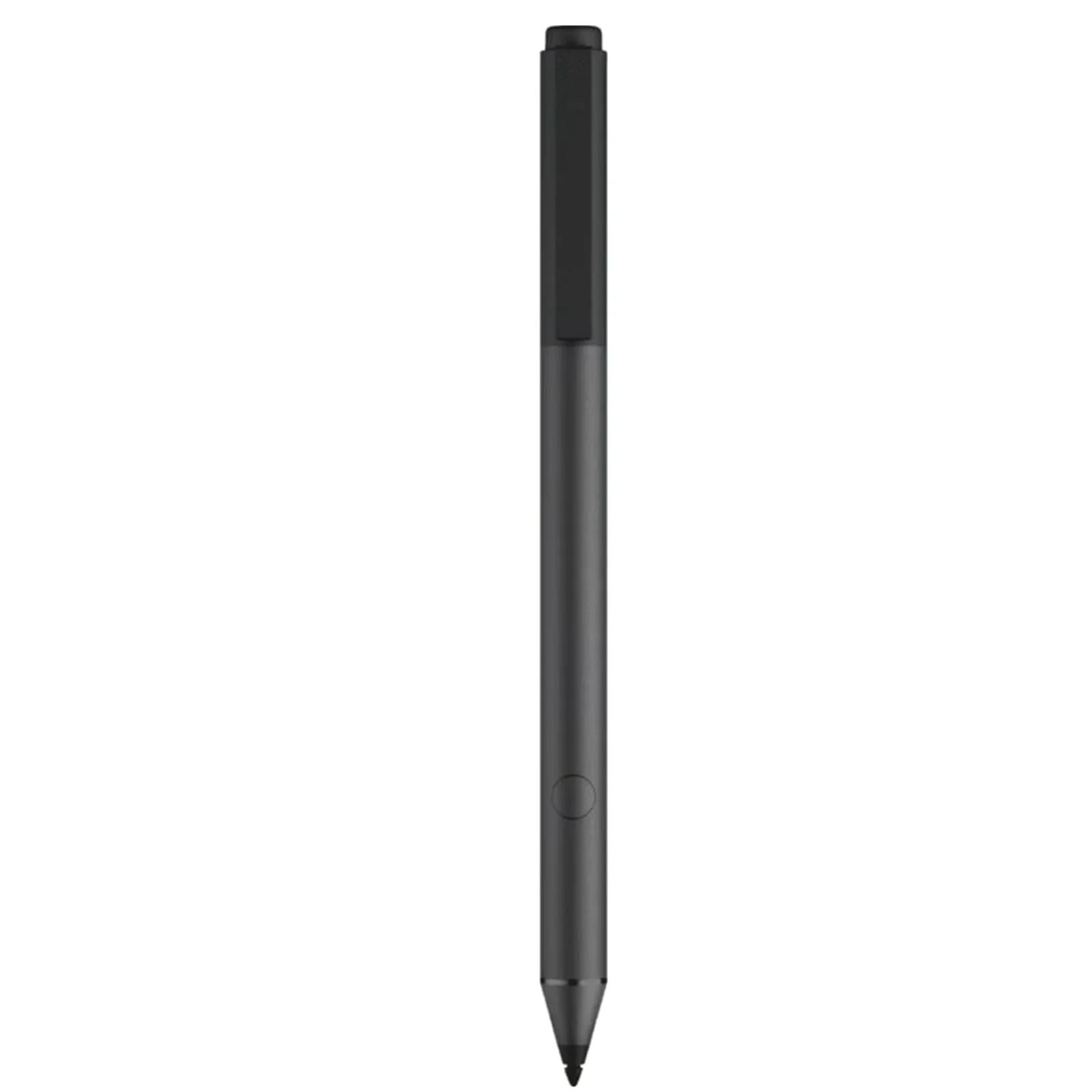
Tilt Pen for HP Tilt Pen SPEN-HP-03(2MY21AA) Compatible with HP Spectre X360/Envy X360/Pavilion X360 Laptop for Window 10,Support Protocol Mpp2.0 and Presentation Mode withBluetooth
Tilt Pen for HP Tilt Pen SPEN-HP-03(2MY21AA) Compatible with HP Spectre X360/Envy X360/Pavilion X360 Laptop for Window 10,Support Protocol Mpp2.0 and Presentation Mode withBluetooth
Tilt Pen for HP Tilt Pen SPEN-HP-03(2MY21AA) Compatible with HP Spectre X360/Envy X360/Pavilion X360 Laptop for Window 10,Support Protocol Mpp2.0 and Presentation Mode withBluetooth
Product Features
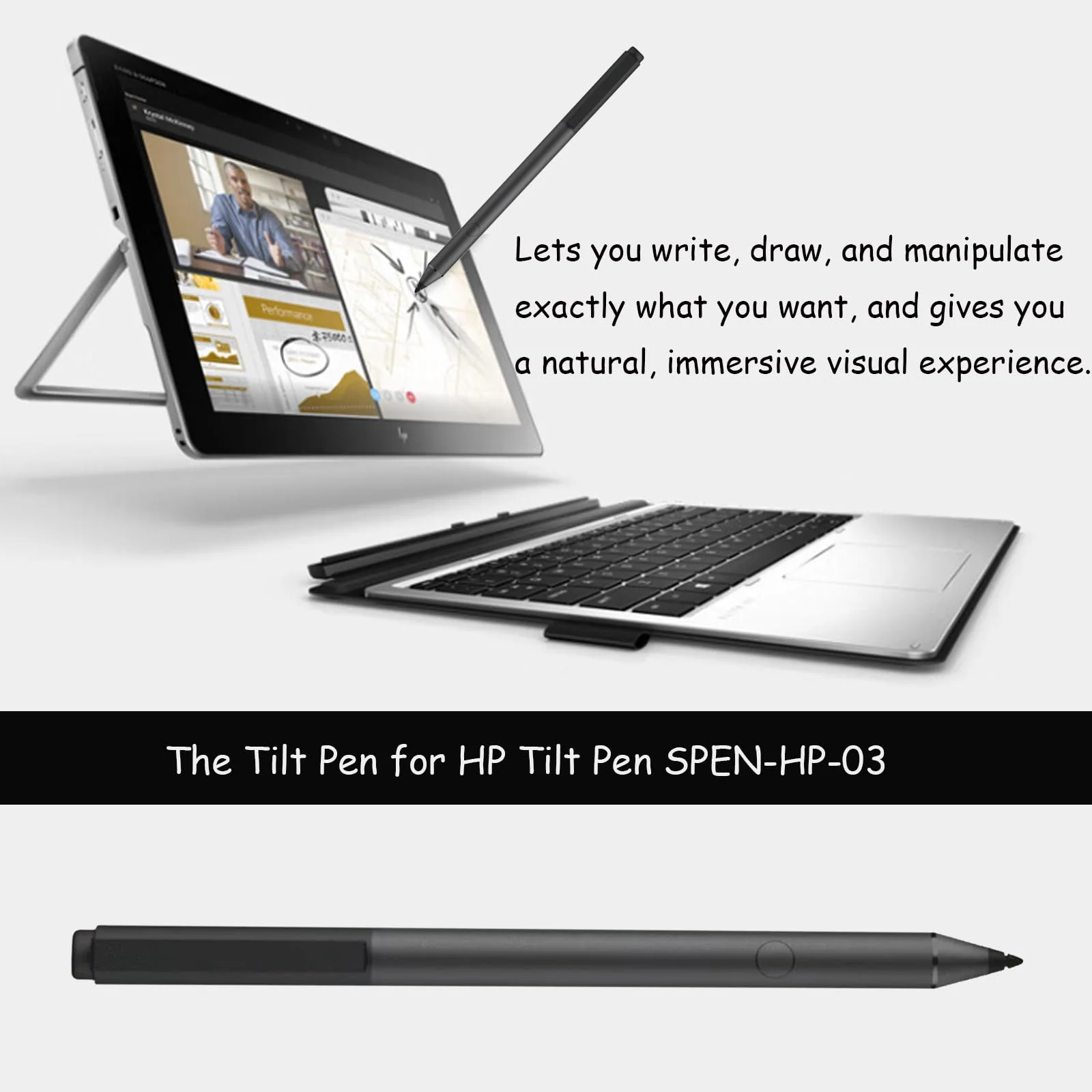
- Perfect Compatibility: Compatible with HP Spectre x360, ENVY X360, Pavilion X360 laptops and supports Windows Ink and for Microsoft Pen Protocol MPP2.0 for more natural writing and drawing.
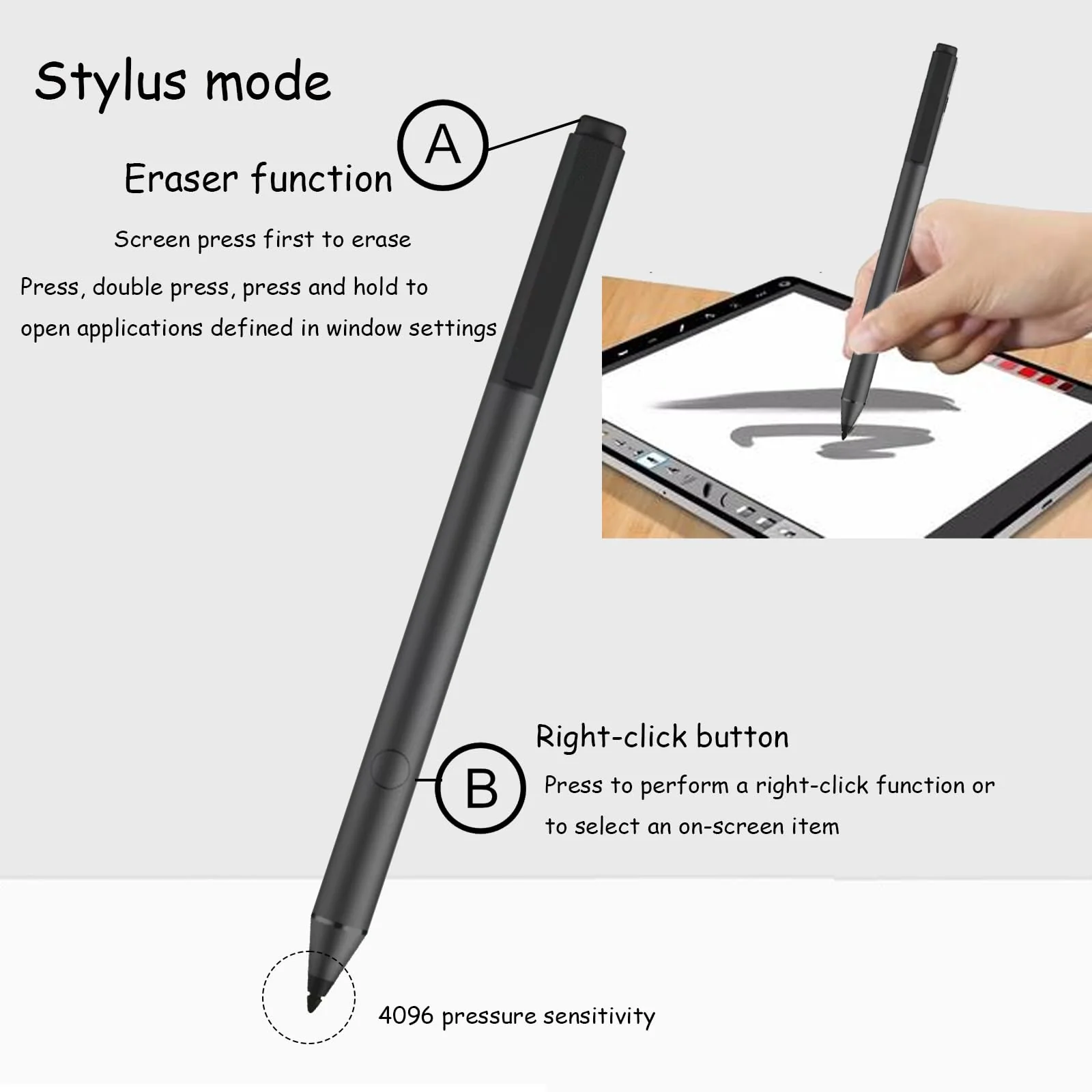
- 4096 Levels of Pressure Sensitivity The highly sensitive Tilt Pen supports MPP with 4096 levels of pressure sensitivity for smooth writing, giving a natural feel like writing on paper.
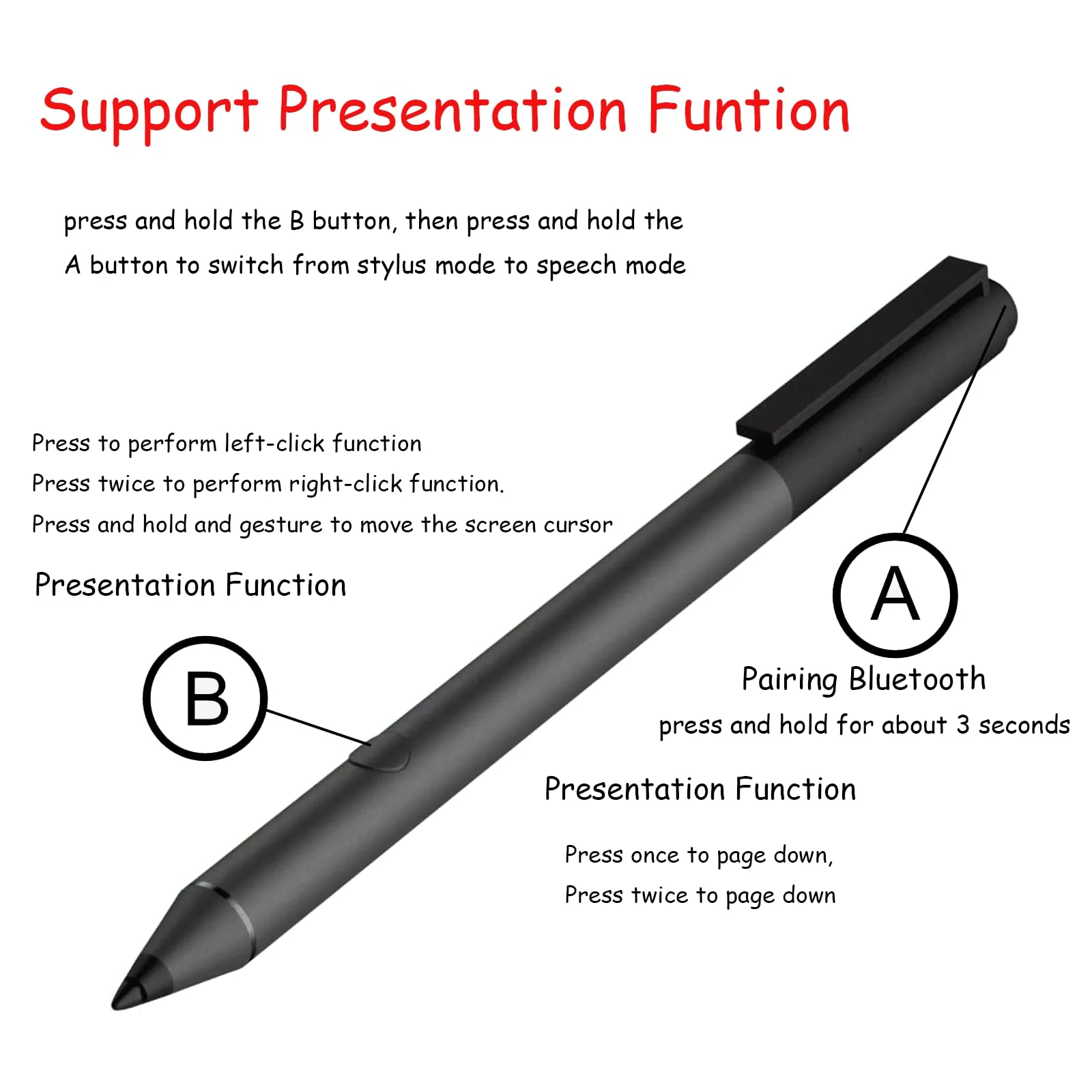
- Presentation Function: Press and hold the B button and then press the A button to switch between handwriting mode and presentation mode. The stylus must be connected to the computer via Bluetooth in order to use this function.
- Bluetooth Connectivity: The pen supports Bluetooth and is easily activated with a single button that also acts as an end eraser, compatible with Windows Ink, driving content, creativity and drawing forward.
- Fast Charging: The Tilt Pen supports fast charging and only takes about an hour to fully charge, with a long battery life that allows your creativity to extend indefinitely.
$36.85
Original: $122.83
-70%Tilt Pen for HP Tilt Pen SPEN-HP-03(2MY21AA) Compatible with HP Spectre X360/Envy X360/Pavilion X360 Laptop for Window 10,Support Protocol Mpp2.0 and Presentation Mode withBluetooth—
$122.83
$36.85More Images


Tilt Pen for HP Tilt Pen SPEN-HP-03(2MY21AA) Compatible with HP Spectre X360/Envy X360/Pavilion X360 Laptop for Window 10,Support Protocol Mpp2.0 and Presentation Mode withBluetooth
Tilt Pen for HP Tilt Pen SPEN-HP-03(2MY21AA) Compatible with HP Spectre X360/Envy X360/Pavilion X360 Laptop for Window 10,Support Protocol Mpp2.0 and Presentation Mode withBluetooth
Product Features
- Perfect Compatibility: Compatible with HP Spectre x360, ENVY X360, Pavilion X360 laptops and supports Windows Ink and for Microsoft Pen Protocol MPP2.0 for more natural writing and drawing.
- 4096 Levels of Pressure Sensitivity The highly sensitive Tilt Pen supports MPP with 4096 levels of pressure sensitivity for smooth writing, giving a natural feel like writing on paper.
- Presentation Function: Press and hold the B button and then press the A button to switch between handwriting mode and presentation mode. The stylus must be connected to the computer via Bluetooth in order to use this function.
- Bluetooth Connectivity: The pen supports Bluetooth and is easily activated with a single button that also acts as an end eraser, compatible with Windows Ink, driving content, creativity and drawing forward.
- Fast Charging: The Tilt Pen supports fast charging and only takes about an hour to fully charge, with a long battery life that allows your creativity to extend indefinitely.
Product Information
Product Information
Shipping & Returns
Shipping & Returns
Description
Tilt Pen for HP Tilt Pen SPEN-HP-03(2MY21AA) Compatible with HP Spectre X360/Envy X360/Pavilion X360 Laptop for Window 10,Support Protocol Mpp2.0 and Presentation Mode withBluetooth
Product Features
- Perfect Compatibility: Compatible with HP Spectre x360, ENVY X360, Pavilion X360 laptops and supports Windows Ink and for Microsoft Pen Protocol MPP2.0 for more natural writing and drawing.
- 4096 Levels of Pressure Sensitivity The highly sensitive Tilt Pen supports MPP with 4096 levels of pressure sensitivity for smooth writing, giving a natural feel like writing on paper.
- Presentation Function: Press and hold the B button and then press the A button to switch between handwriting mode and presentation mode. The stylus must be connected to the computer via Bluetooth in order to use this function.
- Bluetooth Connectivity: The pen supports Bluetooth and is easily activated with a single button that also acts as an end eraser, compatible with Windows Ink, driving content, creativity and drawing forward.
- Fast Charging: The Tilt Pen supports fast charging and only takes about an hour to fully charge, with a long battery life that allows your creativity to extend indefinitely.